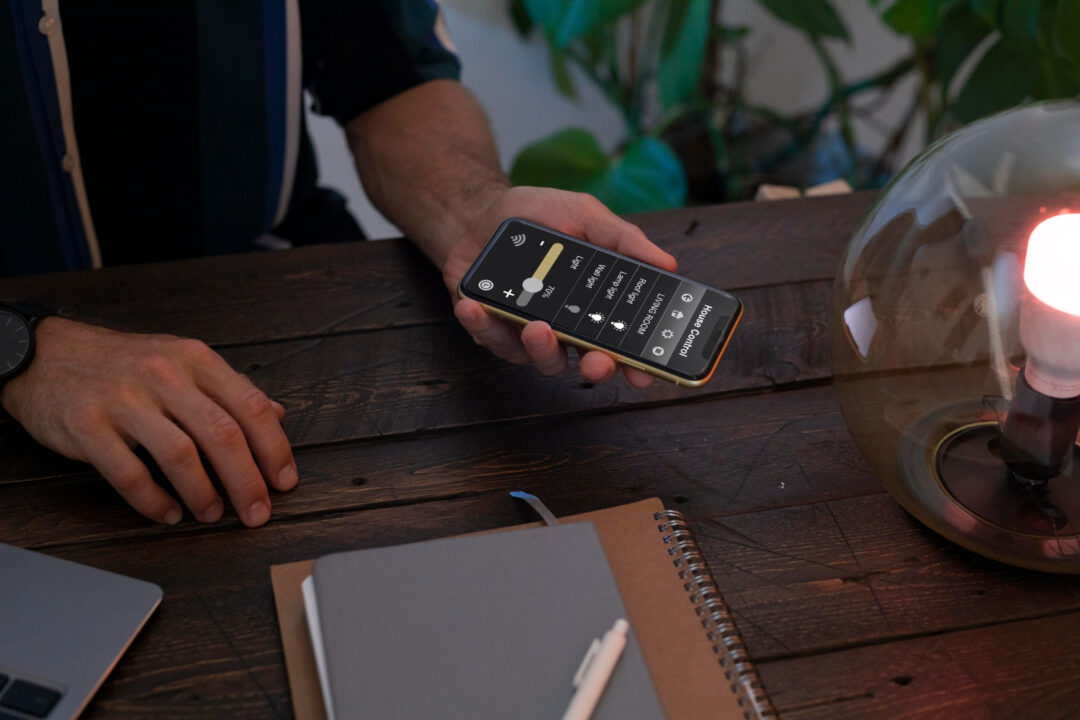

Modern smartphones are far more powerful than they were a decade ago. With the right apps, a device running Android can handle many tasks that previously required a laptop or desktop computer.
From managing projects and writing documents to editing images and collaborating with teams, productivity apps now allow professionals, students, and entrepreneurs to work efficiently from almost anywhere.
In this guide, we tested and compared some of the most effective Android productivity apps in 2026. The goal is simple: identify tools that genuinely help users organize tasks, manage information, and complete work faster.
How We Evaluated Productivity Apps
To identify the most useful productivity tools, each app was evaluated using several factors:
| Evaluation Factor | Why It Matters |
|---|---|
| Feature Depth | Must replace common desktop tools |
| Ease of Use | Simple interface for mobile productivity |
| Synchronization | Data sync across devices |
| Reliability | Stable performance |
| Security | Protection of personal and work data |
Apps that rely heavily on advertising or have poor privacy practices were excluded from this list.
Best Android Productivity Apps in 2026
| App | Category | Best Feature | Rating |
|---|---|---|---|
| Notion | Workspace | All-in-one project management | 4.8 |
| Todoist | Task Manager | Advanced task organization | 4.7 |
| Microsoft OneNote | Notes | Powerful note system | 4.6 |
| Google Drive | Cloud Storage | File collaboration | 4.7 |
| Trello | Project Management | Visual task boards | 4.5 |
These apps cover most productivity workflows used in professional environments.
1. Notion – The All-in-One Digital Workspace
Notion has become one of the most widely used productivity platforms worldwide.
It combines several essential functions in a single workspace:
- notes and documentation
- project management
- team collaboration
- task tracking
Why Users Prefer Notion
| Feature | Benefit |
|---|---|
| Database system | Organize information easily |
| Custom dashboards | Track projects visually |
| Collaboration tools | Teams can work together |
Many startups and remote teams use Notion to manage internal documentation.
2. Todoist – Powerful Task Management
Todoist is one of the most popular task managers available for Android.
It allows users to organize tasks with priorities, deadlines, and categories.
Key Features
- natural language task creation
- recurring tasks
- project folders
- productivity tracking
Todoist is particularly useful for individuals managing many daily responsibilities.
3. Microsoft OneNote – Advanced Note Taking
Microsoft OneNote is widely used by students and professionals for organizing large volumes of notes.
Key Benefits
- structured notebooks
- multimedia notes
- handwriting support
- cloud synchronization
Because it integrates with Microsoft accounts, it works well for users already using Windows or Microsoft services.
4. Google Drive – File Storage and Collaboration
Google Drive provides reliable cloud storage and real-time document collaboration.
What Makes It Useful
| Feature | Description |
|---|---|
| File storage | Store documents securely |
| Document editing | Edit files from mobile |
| Collaboration | Share files with teams |
Drive integrates with Google Docs, Sheets, and Slides.
5. Trello – Visual Project Management
Trello uses a board-based system to manage tasks visually.
Example Workflow
| Column | Purpose |
|---|---|
| To Do | Tasks waiting to start |
| In Progress | Work currently active |
| Completed | Finished tasks |
This visual approach makes Trello particularly effective for team projects.
Productivity App Comparison
| App | Best For | Complexity |
|---|---|---|
| Notion | Full productivity systems | Medium |
| Todoist | Daily task planning | Low |
| OneNote | Note organization | Medium |
| Google Drive | File collaboration | Low |
| Trello | Visual project management | Low |
Different apps work best depending on the user’s workflow.
Real Productivity Benefits
Research on digital productivity tools suggests that organized task management can improve personal productivity by 20–30% when users consistently track and prioritize their work.
Mobile productivity apps are particularly useful for:
- remote workers
- students
- entrepreneurs
- freelancers
These users often need flexible tools that work across multiple devices.
Tips for Improving Mobile Productivity
Keep Your App List Small
Using too many productivity apps often creates confusion rather than efficiency.
Use Synchronization
Choose apps that synchronize across devices to maintain consistent workflows.
Organize Tasks Clearly
Breaking large projects into smaller tasks improves completion rates.
Related Posts:
- Best Android Apps in 2026
- Best Free Android Apps
- Android Utility Apps That Improve Phone Performance
- Latest Android Apps Released in 2026
Internal links help search engines understand your site structure and improve rankings.
FAQs:
What are the best Android productivity apps?
Some of the best productivity apps include Notion, Todoist, Microsoft OneNote, Google Drive, and Trello.
Can Android apps replace laptop productivity tools?
In many cases yes. Modern productivity apps allow users to manage tasks, documents, and projects directly from smartphones.
Which productivity app is best for students?
Apps like Microsoft OneNote and Notion are especially useful for organizing lecture notes and study materials.